Holafly eSIM discount: stay connected on your trips abroad
We wrote this guide in Spanish and translated it with the help of AI. Leer en castellano
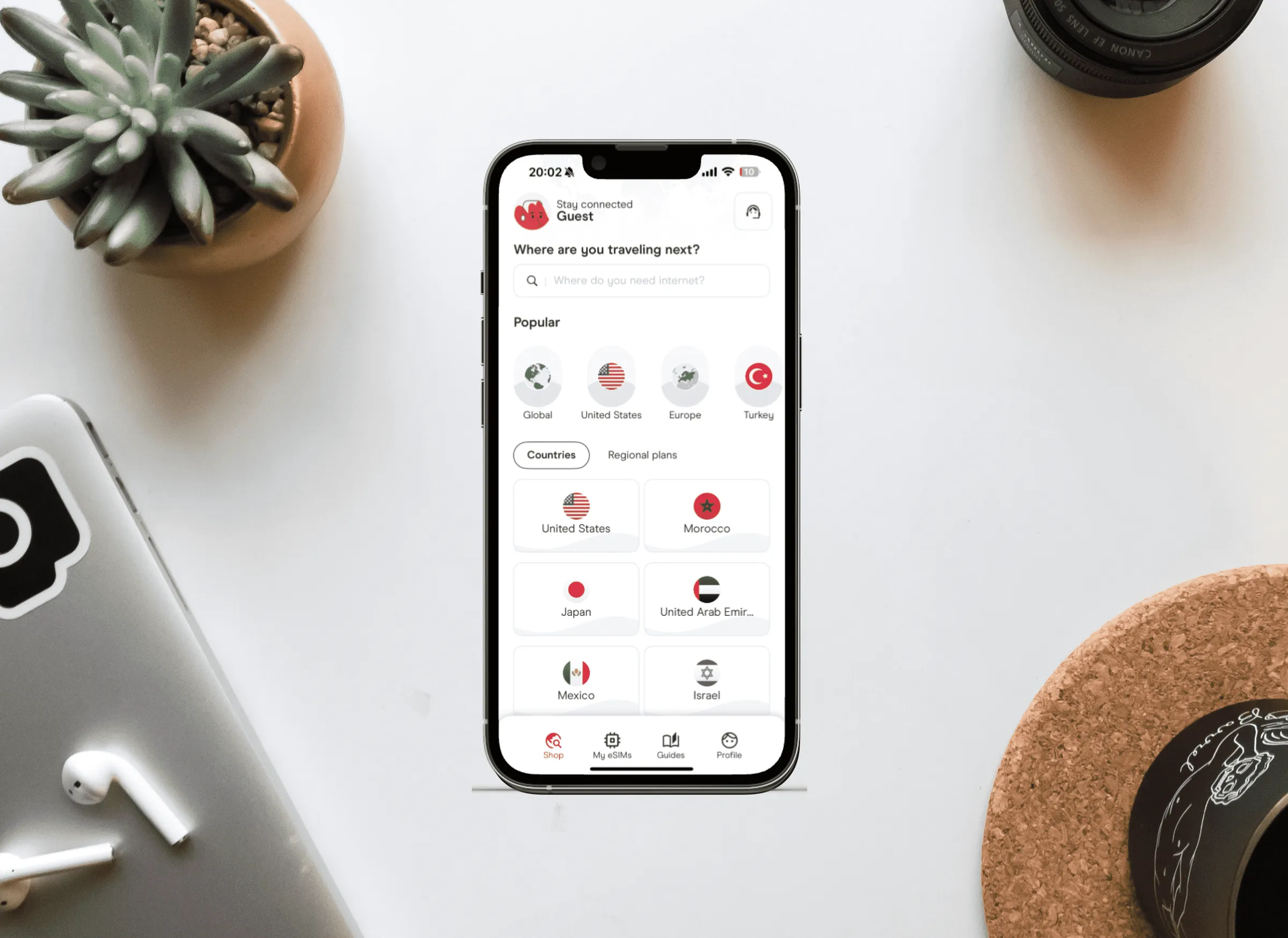
Traveling abroad always comes with the worry of how we're going to stay connected: whether it's better to buy a local SIM or an eSIM, or to keep our line from home. We've all been through the frustration of hunting for a local SIM card in a foreign country, spending time and money on it, and still not having a stable connection. In this post we explain what eSIMs are, their benefits, and how Holafly offers a convenient, affordable option for travelers.
This article has affiliate links: if you book or buy through them, we earn a commission at no extra cost to you.
What is an eSIM?
An eSIM (embedded SIM) is a digital SIM that lets you activate a data plan without a physical SIM card. That means you can switch carriers or activate a local plan from the comfort of your phone, without having to buy it in a store or wait for a physical SIM card to reach you.

Travel with peace of mind with Heymondo travel insurance
Get your travel insurance on Heymondo (opens in a new tab)
This is an affiliate link: if you book or buy through it, we earn a commission at no extra cost to you.
Advantages of using an eSIM on international trips
Convenience: No hassle. It activates in minutes from the comfort of your phone.
Flexibility: Change plans and carriers easily to suit your needs.
Instant activation: Activate your data plan as soon as you get off the plane (or before you arrive).
Savings: Avoid high international roaming charges.
👉 Buy your Holafly eSIM here and get 5% off with the code CHAROANDMARCOS 👈
Why is Holafly the best option for staying connected while you travel?
After trying several options, Holafly became our favorite.
- Unlimited data: Forget about keeping an eye on your usage, since Holafly offers unlimited data packages in several destinations.
- Intuitive app: The Holafly app makes buying and managing your data plans quick and simple.
- Exclusive discount: On top of that, our discount code CHAROANDMARCOS gets you 5% off any plan, ideal if you want to save money and always be connected.
How to set up and use a Holafly eSIM on your phone
- Buy the plan: Go to the Holafly website or download the app, select the country or region you're going to visit and use the code CHAROANDMARCOS to get 5% off.
- Get the QR code: Once you've made your purchase, you'll receive a QR code to scan and activate the eSIM on your device.
- Activate the eSIM: In your phone's settings, select “Mobile Networks” and scan the QR code. Make sure you activate it once you're in your destination country to start using data.
💡 Tip: Save the QR code or keep it handy in case you need to reactivate the eSIM after your device restarts.
How it compares with other options
In some developing countries, local SIM cards can end up being cheaper. But they take time and effort to find and activate, and the connection is sometimes less reliable. In more developed destinations, Holafly is usually a cheaper, more convenient option. And in places like Japan, where buying a local SIM isn't an option, Holafly is simply the best solution.

Stay connected with a Airalo eSIM
Get an eSIM on Airalo (opens in a new tab)
This is an affiliate link: if you book or buy through it, we earn a commission at no extra cost to you.
How to use our link
1. Click on our link: Holafly link.
2. Sign up or log in: Create your Holafly account or log in to your existing one.
3. Choose your trip's destination and dates.
4. Use the discount code: Enter the discount code CHAROANDMARCOS and get 5% OFF your eSIM.
Conclusion
eSIMs are changing the way we stay connected on our trips, and Holafly stands out as one of the best options available. It offers global coverage and unlimited plans, and its intuitive app makes the process easy too. Use our link and discover how easy and convenient staying connected can be, wherever your adventures take you 😉
- Did a price or a detail change? Tell us at hello@charoandmarcos.com
- Still have a question? Ask us on Instagram (opens in a new tab)